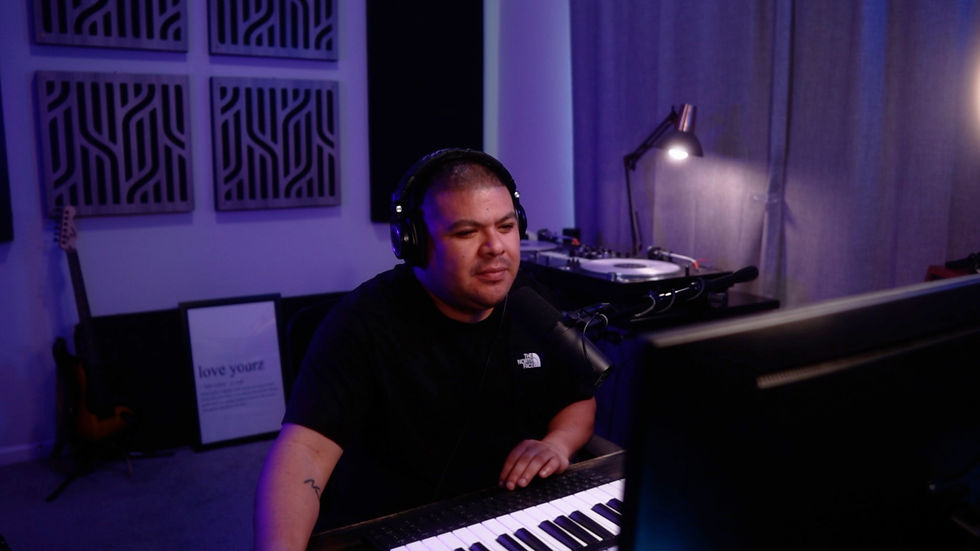
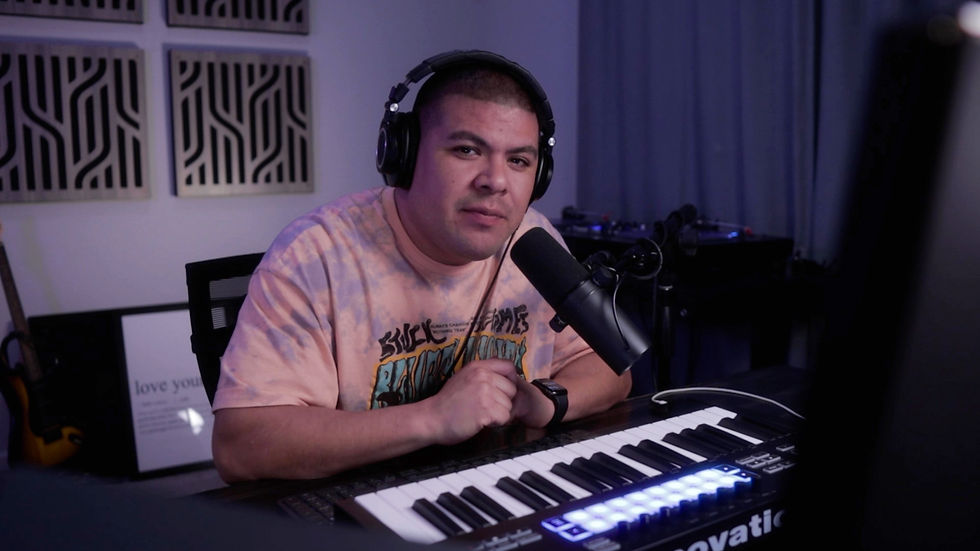
Level up your production with Primetyme Essentials Vol. 2. A collection of samples, racks, and tools made to spark ideas and speed up your workflow.
Learn how to install, use, and get the most out of Primetyme racks, tools, and workflows.
Watch this video before your first Ableton Session
I’ll walk you through how to install the instrument rack
A quick walkthrough showing how to install the .alp and .adg files included with Primetyme Essentials V2
How to use the Bass Rack to cycle through mix-ready 808s and bass samples.
How to use the Kick Rack to cycle through mix-ready kick samples.
How to use the Butter EQ Rack to tame harsh frequencies and help your mix feel more polished.
How to use the Molt Rack to split your low and mid frequencies and get more control over your sounds.
How to use the Re-Master Rack to make throwback tracks sound closer to a more modern sound.
This is my workflow for mastering DJ mixes in Ableton or recorded live in Serato DJ.
This is a quick demo video showing the Thump, Bite, and Distortion controls.
A quick demo showing how Primetyme Vocals give your acapellas more shine, warmth, and space in the mix.
-VERY-SMALL.png)