top of page
Primetyme Drums - Demo
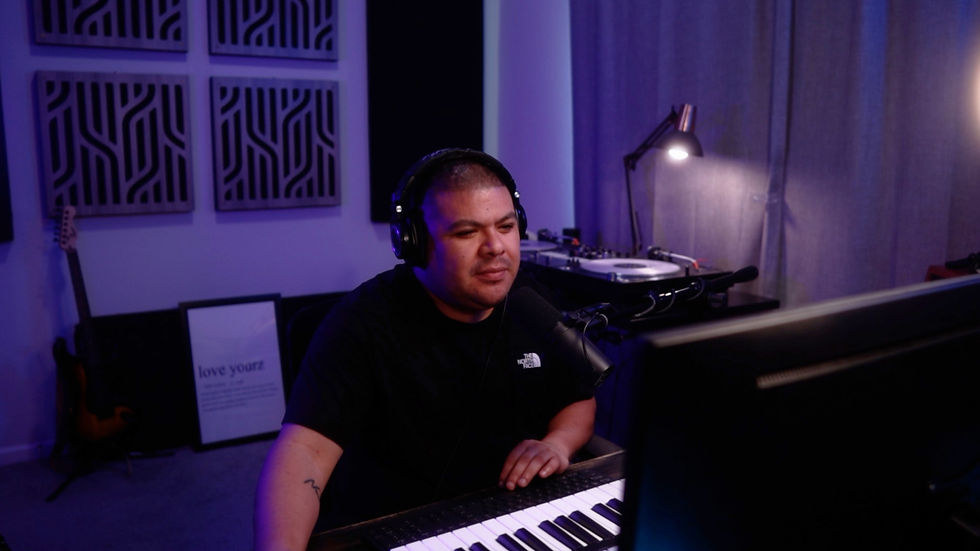
This is a quick demo video showing how Thump, Bite, and Distortion controls work, so you can hear how each one affects the drums and how to dial them in without overdoing it. The goal is simple: take regular drum samples and push them to feel bigger, louder, and more ready for the club or festival system.
System Requirements:

Compatible with Ableton Live Standard and Suite editions
(Ableton Live 10 or newer)

Related Videos

Setting up Zoom for an Ableton Session

Watch this video before your first Ableton Session

808 Hit Kit Vol. 1 - How To Install

I’ll walk you through how to install the instrument rack

How To Install Audio Effect Racks - PEV2

A quick walkthrough showing how to install the .alp and .adg files included with Primetyme Essentials V2

Bass Rack Walkthrough - PEV2

How to use the Bass Rack to cycle through mix-ready 808s and bass samples.

Kick Rack Walkthrough - PEV2

How to use the Kick Rack to cycle through mix-ready kick samples.

Butter Rack Walkthrough - PEV2

How to use the Butter EQ Rack to tame harsh frequencies and help your mix feel more polished.

Producer Tools Logo (WHITE).png
bottom of page