top of page
-VERY-SMALL.png)
%20White.png)
Bass Rack Walkthrough - PEV2
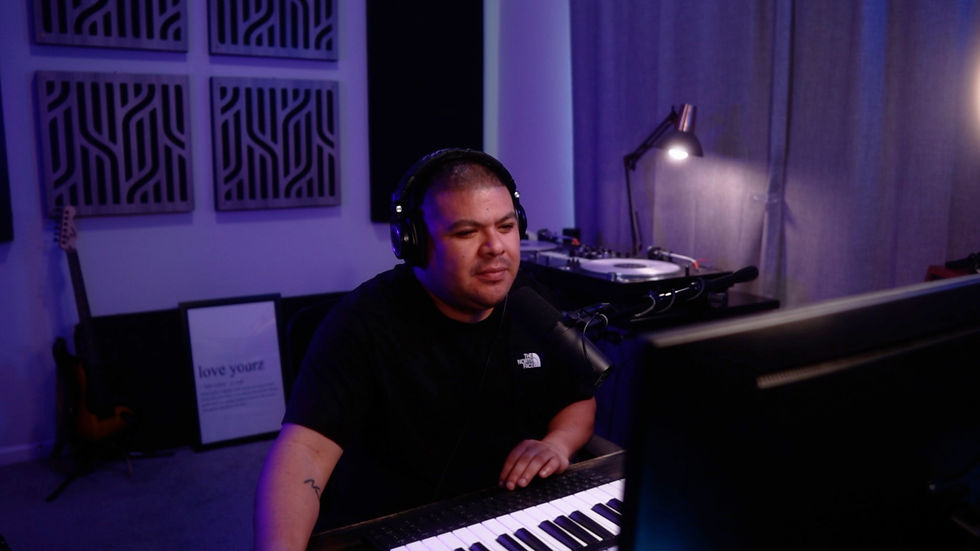
In this video, I’ll walk you through the Bass Rack and show how it works inside a session.
This rack comes loaded with 10 mix-ready 808s and bass sounds, making it easy to flip through different low-end options fast without slowing down your workflow. Everything is tuned to C, so you can quickly punch in MIDI notes to fit your project and find the right tone for the track.
I’ll also break down the built-in ADSR controls, custom presets, and the Clip knob, which adds extra harmonics, grit, and knock when you need the bass to cut through the mix.
System Requirements:
Compatible with Ableton Live Standard and Suite editions
(Ableton Live 11 or newer)
Related Videos




.png)
bottom of page